

Appearance
Appointment History
Viewing appointment history for a patient
To view the appointment history for a patient (including cancelled appointments), open their page from search or the 'view all' page. Once their page is open, click Appointments. All appointments are shown, including past and cancelled appointments.
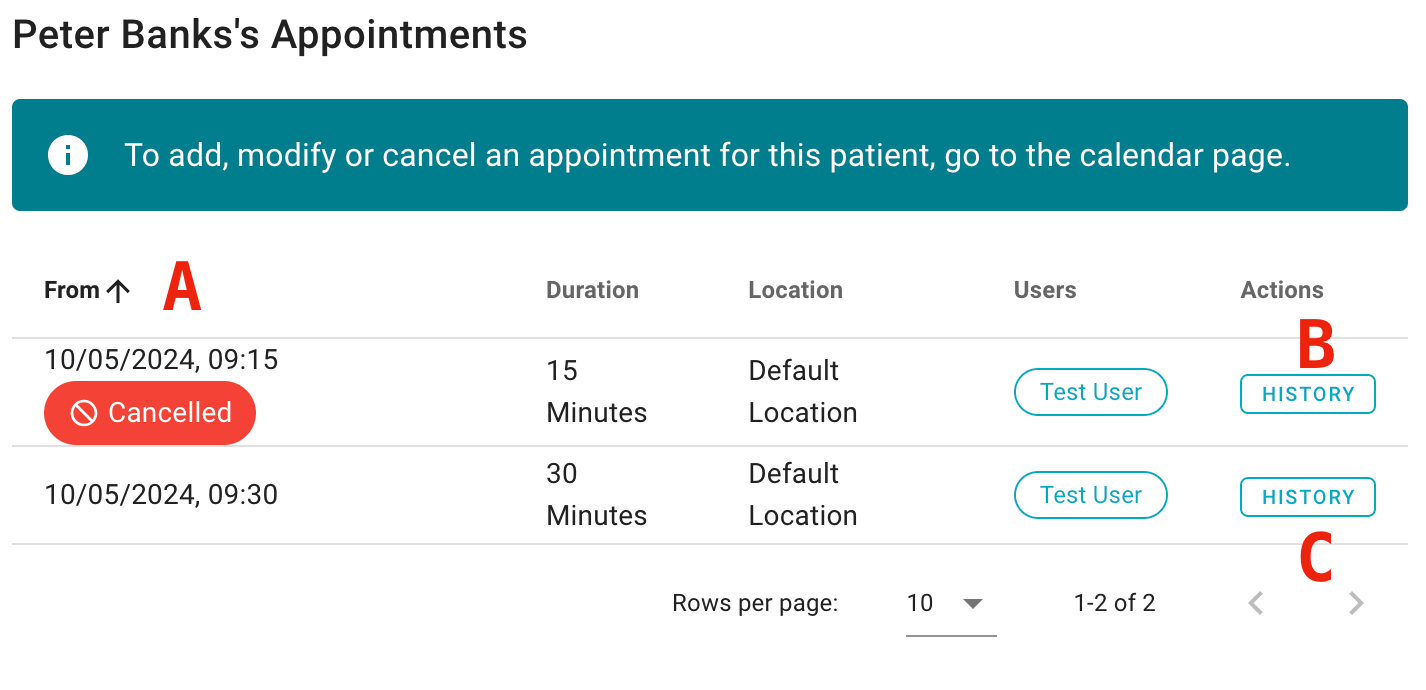
- Click the headers to change the order in which appointments are sorted.
- Click to view the change history for an appointment.
- Move between pages of appointments.
To add a new appointment for a patient, follow the instructions in this guide.