

Appearance
Templates
What are templates?
Templates are reusable pieces of text that save time and improve the consistency of your data. You can insert them into a patient's record with a single click. If you commonly record data in the same format — structured sessions, examination findings, consent discussions, patient information, and so on — the template feature can help. Templates can be shared amongst your team to improve consistency between the documentation your users write.
How do I create a template?
You can create or edit a template from any patient's record. Open a patient onto the notes tab and scroll to the editor at the bottom of the screen. Click Compose A New Entry, then click the template icon at the left of the formatting bar:
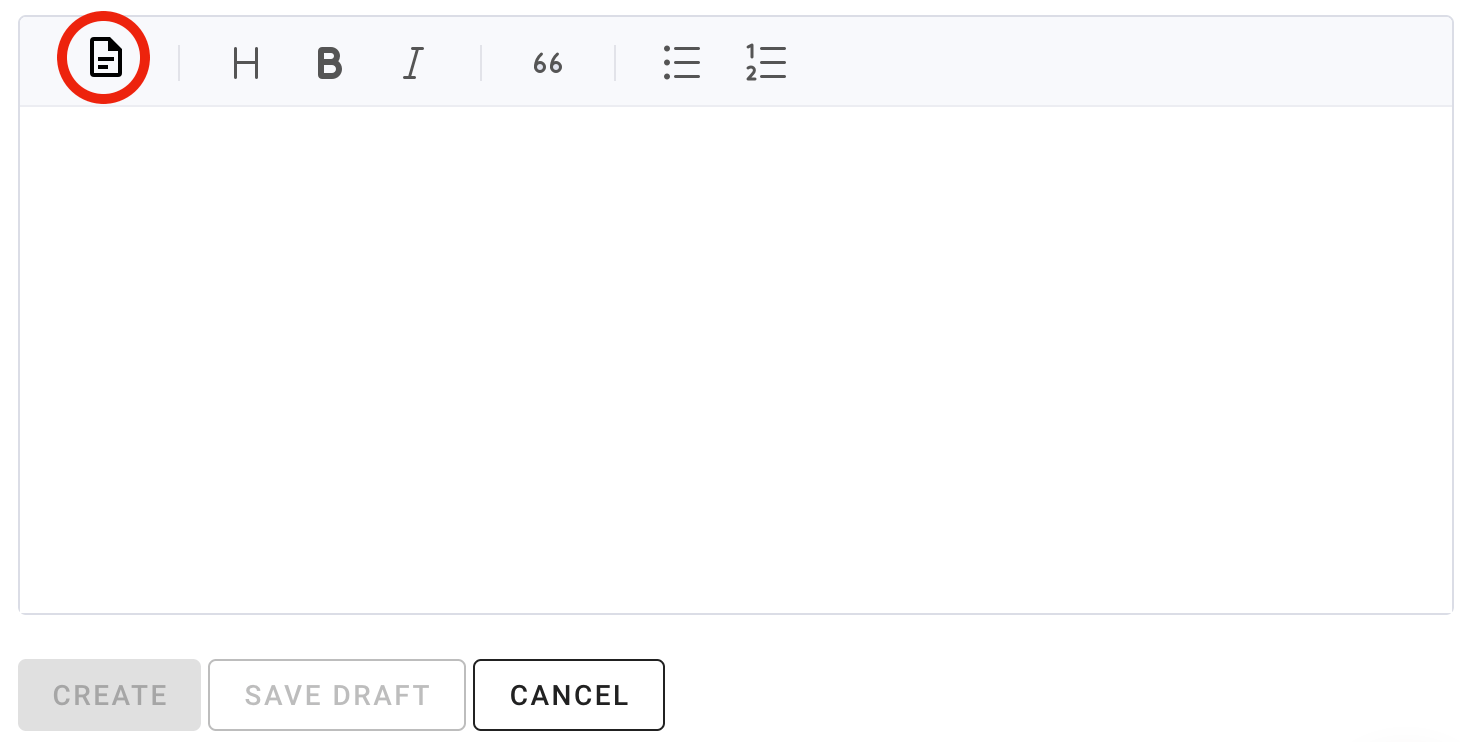
Click the highlighted button to open the template window.
Click Create to create a new template. Each template needs a name to identify it. Design the template using the window that appears. Once you have finished writing your template, you can optionally share it with other users, and optionally allow other users to edit it.
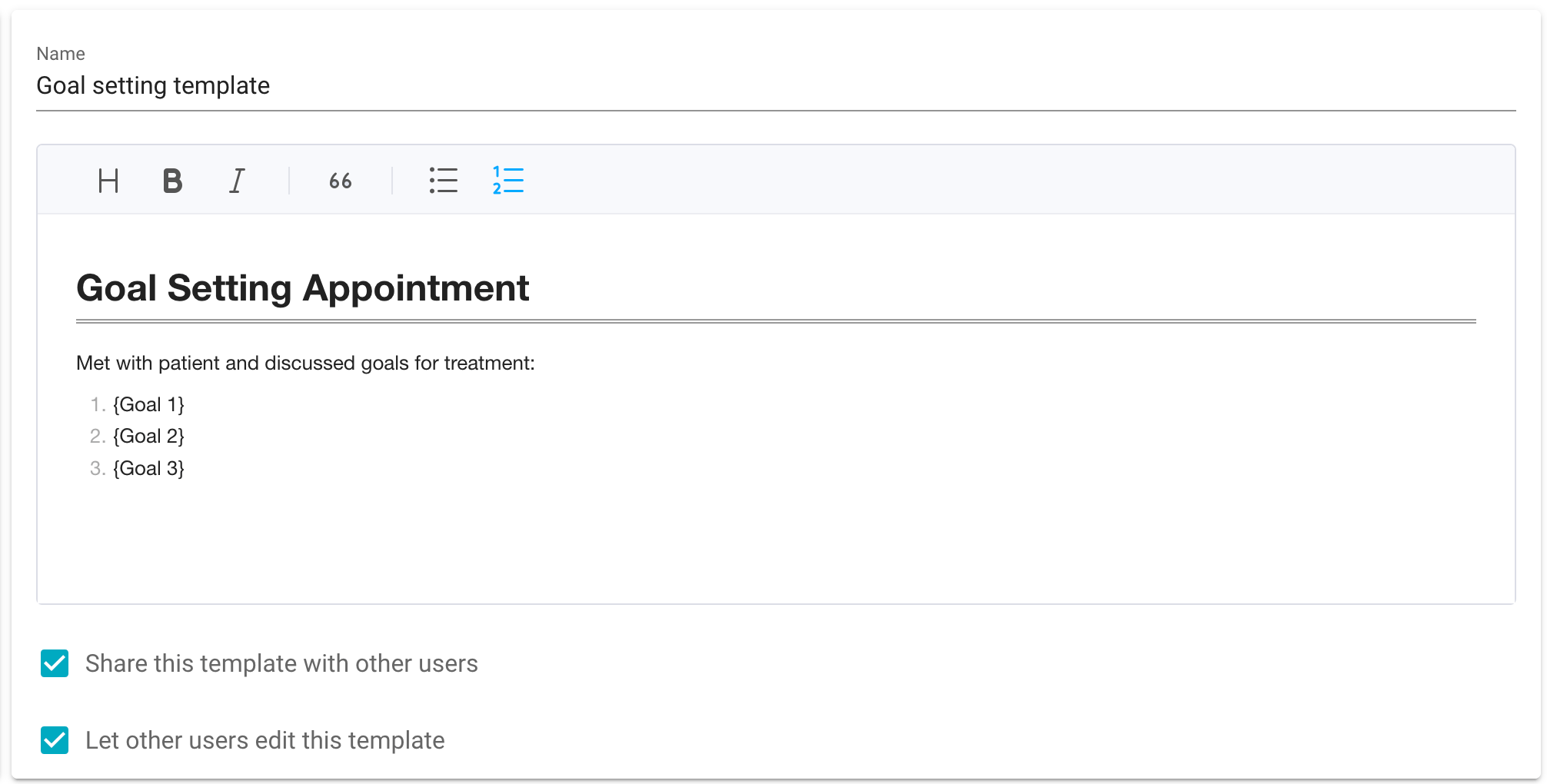
Template creation screen.
How do I use a template?
Once you have created templates, you can use them from the templates window. Access this by clicking the template icon. Pick the template you want from the menu on the left, then click Use Template. The template is inserted into the patient record ready to be saved or customised. If you have already started writing text in the editor, a warning will appear alerting you that this existing content will be overwritten by the template.
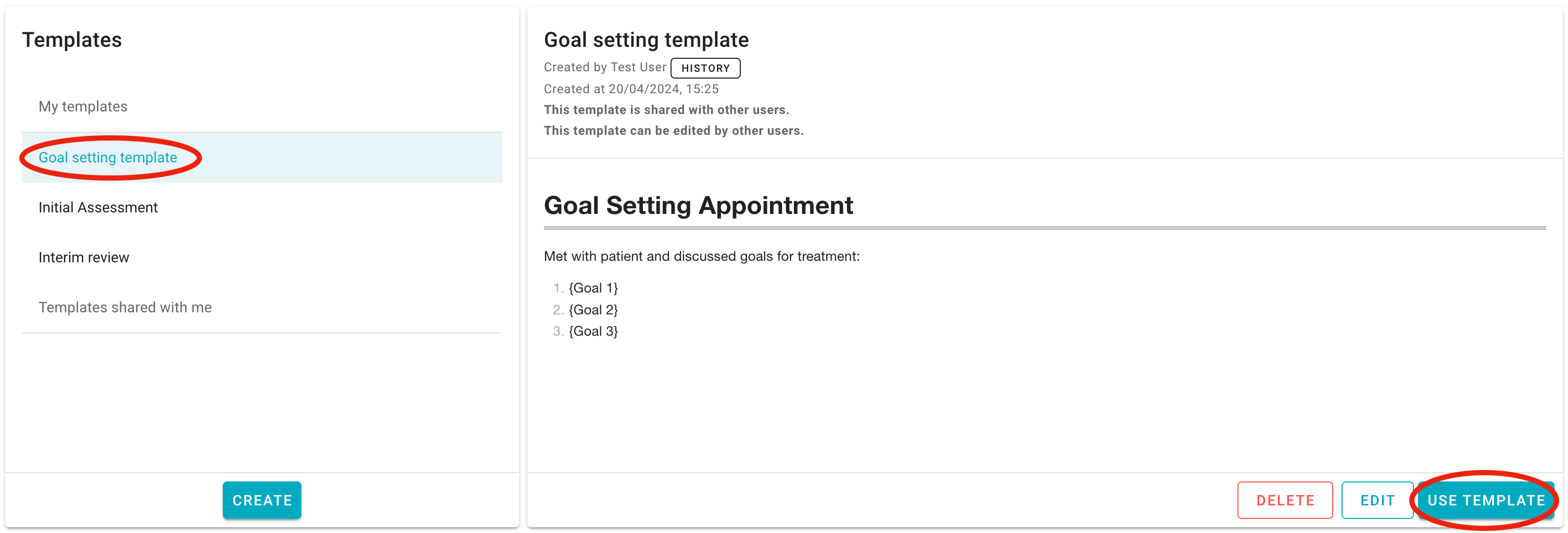
Select a template to use from the menu on the left, then click use template to insert it.